When you want the real answer to “what happened on this day”, not a guess
A birthday, a moving day, a first day at work, coffee with your mom. The same month and day come back every year, but the one line you wrote then usually lives across apps and folders from different years. Photo apps only show days with photos. Ordinary journals show this year’s timeline. Almost nothing stacks every year’s note for the same MM-DD on one screen.
On the web, services like onthis.day exist, but they are English-first and often sit behind an account wall. On phones, Dayflect-style nostalgia calendars exist, but they may tie you to a cloud or leave backup opaque. The ask is simpler: keep it on this device, pick a day on a month grid, stack every year for that day, and move your memory with one JSON file when the phone changes.
What Ondaypad does
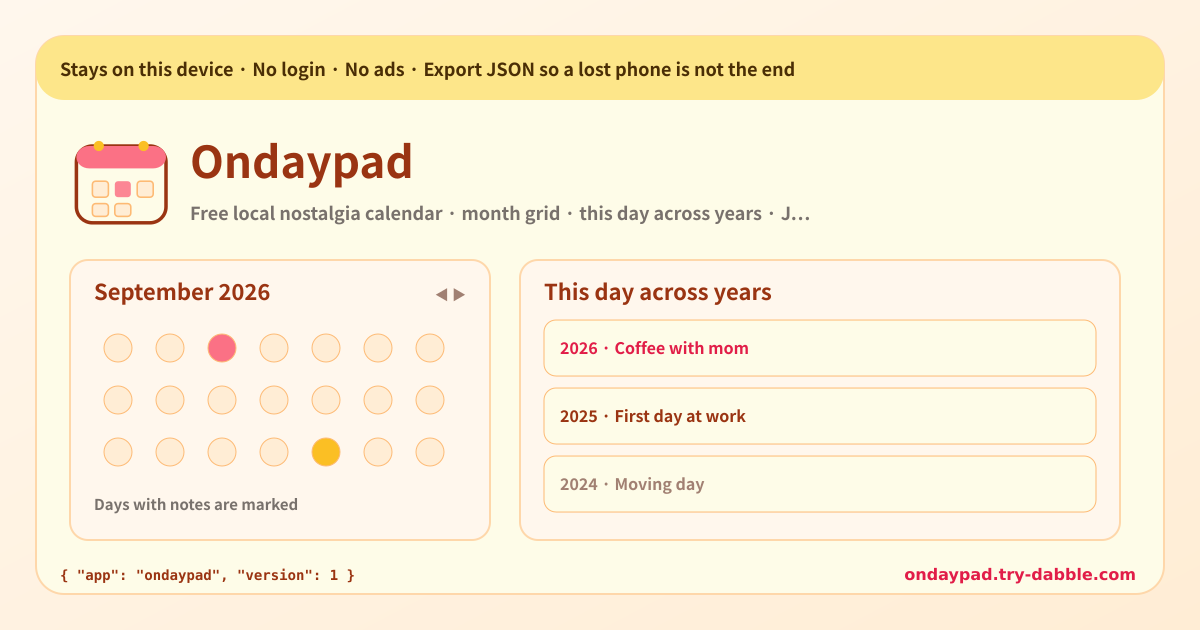
Ondaypad is a local nostalgia calendar with no login. Pick any day on the month grid and leave an optional title plus a body note. When you leave notes on the same MM-DD across years, the “this day across years” stack shows them as year cards. Flip prev/next month, jump to any year or month. Data stays on this device and this browser; Export JSON / Import JSON is the backup. The tool page loads no ad script.
What you see on screen
· Amber local-only banner — data stays on this device · Month grid — today highlight, days with notes marked, prev/next month · Selected-day panel — write, edit, delete notes for that date · This day across years stack — every year’s notes for the same MM-DD · Date jump — any year or month · Export / Import JSON — move memory when a phone is lost · Promise chips — no account · no forced cloud · JSON backup · no ads on tool · Footer Privacy / Terms / Guide / hub, Guide & Feedback FAB
Where your data stays
Notes and display preferences stay on this device and this browser. Nothing is uploaded and nothing is tied to an account. Export JSON before you change phones or clear site data. On the new device, import that file and the across-years stack comes back. “On this device only” and “JSON backup” together are what make a nostalgia calendar safe.
Do I need an account?
No. There is no login, email, or social sign-up. Open the page and the month grid is ready. Cloud sync is never required. To move between devices, a JSON backup is enough.
If I lose my phone, do the notes disappear?
If only this device is wiped, that browser’s notes can go with it. That is why Export JSON exists. Save the file now and then; on a new phone, Import JSON restores the same MM-DD stack. Instead of forcing a cloud account, the backup is yours to keep.
How does “this day across years” work?
Pick a day on the grid to edit that YYYY-MM-DD note, and at the same time every note whose date shares the same MM-DD (for example 09-16) stacks as year cards. Sort newest year first or oldest year first. Years with no note are simply omitted — nothing is padded in.
Does it work on Android and the web?
Yes. It is a web app, so the same address opens on Android Chrome, Samsung Internet, desktop Chrome, Edge, Firefox and Safari, and iPhone Safari. Add it to the home screen and it opens like an app; after the first visit it works offline. Data is per browser, so to move between a phone and a PC use the JSON backup.
Is it free? Any ads, account or subscription?
Everything is free. Note count, the across-years stack and JSON backup never sit behind a payment. No ads on the tool UI, no account, no login. If you have thoughts, use “Send feedback” on this page. Open the app at https://ondaypad.try-dabble.com/?lang=