Triaging saved travel links before a trip
Saved links rot. A screenshot of a café from eight months ago has no caption, the Instagram reel has been deleted, and the Maps star sits among two hundred others with no hint of why. Triage them once, a couple of weeks before you go, and do it in three passes rather than one long scroll.
First pass, sort by destination: anything not in the city you are actually visiting is set aside untouched — do not delete it, just get it out of the way. Second pass, for each remaining save, write one line answering why you kept it; if you cannot remember after ten seconds, it goes. That question does most of the pruning. Third pass, rank what is left from 1 to 5, and be stingy: a 5 means you would reorganise a day around it, and there should be no more than three or four of those.
Then check the 5s and 4s against reality: still open, which days, whether it needs a booking, and how far it is from where you sleep. Group the rest by neighbourhood rather than by day, because on the trip you will be standing somewhere asking what is nearby, not what was planned for Tuesday. A short list you trust beats a long list you have to re-read.
A URL, a why-note and a rank
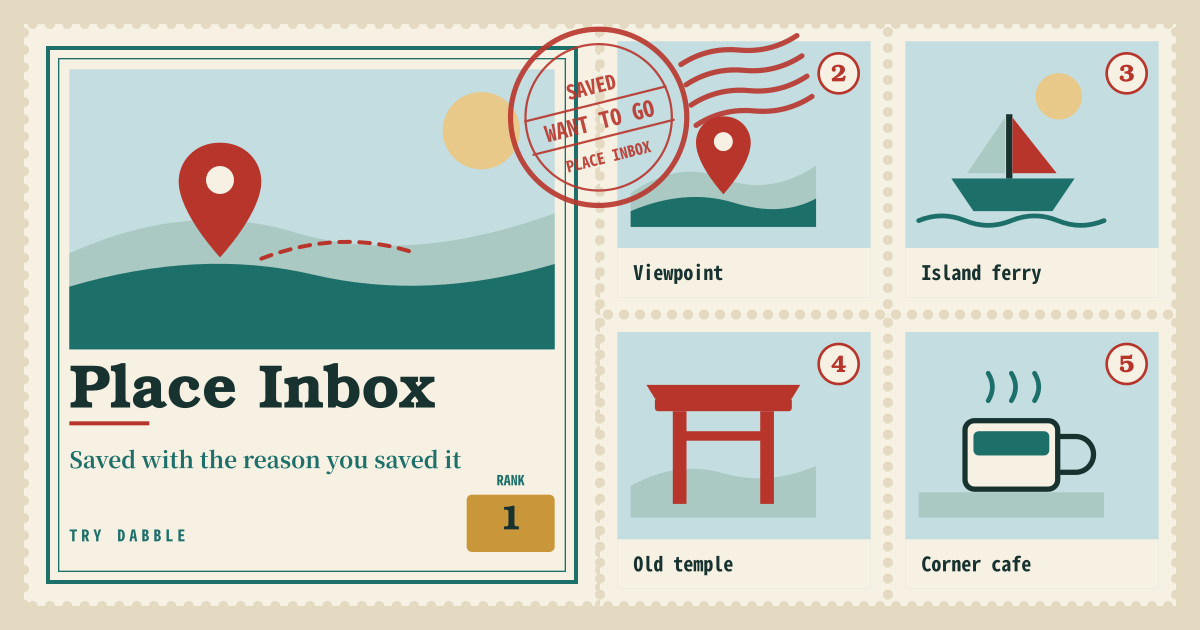
Place Inbox is for “I want to go later” saves that vanish across the camera roll and bookmarks. Paste a URL or pick a screenshot, write why you saved it, and rank 1–5. Tag food, hike, city, beach, or stay, and group places into named candidate trips. There is no booking, routing or day splitting.
- Place: typed name, pasted URL, file/camera or Ctrl+V screenshot.
- Why-saved note, want-to-go rank 1–5, tags (food, hike, city, beach, stay).
- Extra links: Maps / Instagram / Pinterest. Paste lat,lng yourself — there is no auto-geocode.
- A named candidate-trip bucket, or leave it in the unassigned inbox. Filter by tag, trip, or rank; the list sorts by rank.
From a feed to a candidate trip
When you find a place in a feed or on Maps, open Place Inbox and paste the URL or a screenshot. A one-line why-note explains the card later. Pick or add a candidate-trip chip; tap the selected chip again to rename the trip.
Rank and tags separate “must-eat” from “pretty city I saved on a whim.” The same place can keep Maps and Pinterest links together. Only places with typed coordinates get pins on the small OSM map; unmapped places stay in the list.
Saves that pile up before a trip exists
People open it when saves pile up before a trip exists. It is not an itinerary — it is one inbox of raw material for a later candidate trip. The restaurant from a reel, the Maps link a friend sent, the hotel you screenshotted all land in one inbox instead of three different apps.
Where your saves stay
Places, trips and photos stay on this device only — no account, no cloud copy, no sync. Export and import JSON to move to another device; photos travel inside the file or are skipped with a note. On a shared device, clear site data when you are done.
Does it build a day-by-day itinerary or bookings?
No. There is no day splitting, travel time, booking, gift ideas, or cost-per-use math. A candidate trip is only a named bucket.
Do I need coordinates for every place?
No. Coordinates matter only if you want a pin on the small OSM map. Nothing is looked up from a URL or an address, so copy lat,lng from a maps app and paste it in yourself. A place without coordinates still gets the list, tags, rank and filters exactly the same.