Writing a place note you can still use a year later
A pin on its own tells you where; the line under it has to tell you why, and a year later that is the part you will have forgotten. The note that works is not a review. It is the one detail you would need to walk back in: “the noodle place with the queue, order the dry one, cash only”. Three things earn a place in that line: what you actually had or did, one fact that changes the next visit (cash only, closed Mondays, ask for the upstairs room), and who you were with, if that is why it mattered.
Leave out what the map already knows. The street name, the district and the opening hours are one tap away; what is not is that the back door leads to the terrace. Write the name the way the sign spells it, in the local script if you can copy it, because that is what you will type into a search box on the next trip.
Date the note if the app does not do it for you, and put the date first — “2025-04, still good” — so that when a place has closed or changed hands the note tells you how old your opinion is. One photo of the front and the menu beats ten of the food: the front is what you will recognise from the street.
Dropping a pin, a line and a photo
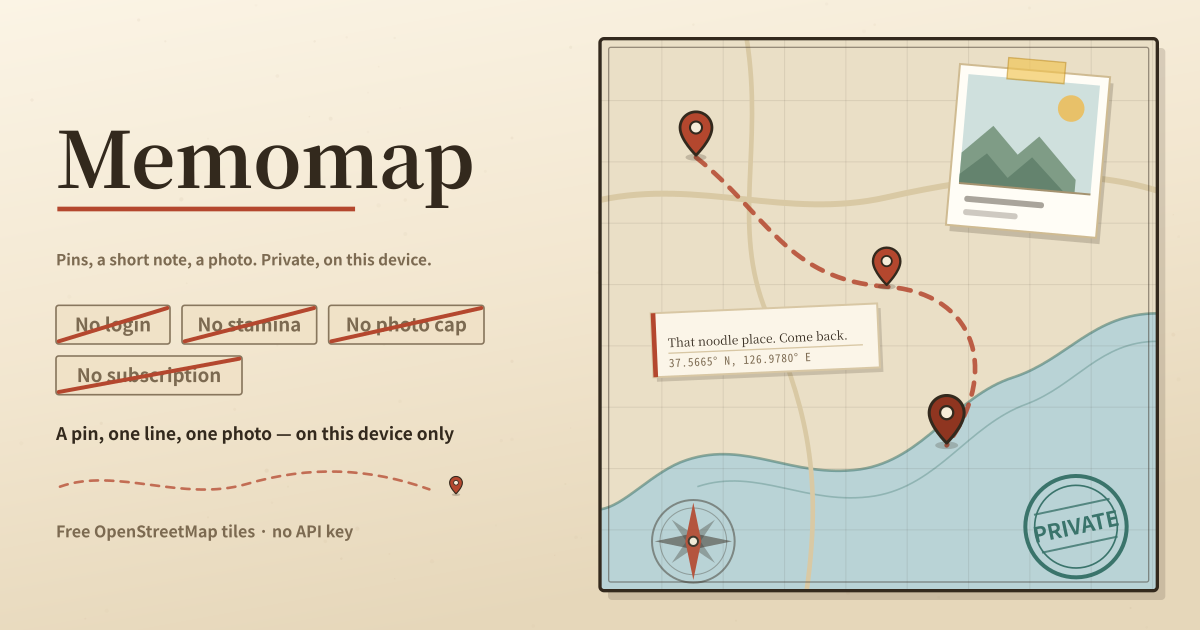
Memomap keeps the places you have already been on a map. Tap the map and a pin lands on that spot, ready for one line of memo and one photo. Tap an entry in the list and the map moves to it, and you can find a place again by a word inside its memo.
This is not a map that colours in whole countries. It does not record that you went to Japan; it records which alley the noodle shop was in. That is why a pin lands on the exact spot rather than on a country.
- Pan the map to the place you have been and tap it. The pin is stored the moment you tap.
- Write one line in the sheet that opens. It saves as you type, and you can reopen and change it later.
- Attach a photo from your library or take one with the camera right there. There is no cap on how many pins get a photo.
- Search by a word inside your memos. The map and the list filter together.
- Deleting a pin removes its memo and its photo with it. Nothing is deleted unless you delete it.
The evening after a trip
The evening you get home, going through the photos and placing each one. Or after a work trip to a city you did not know, marking the restaurant that was actually good. You forget the name, but the spot plus one line usually brings it back.
It runs the opposite way from a wishlist of places to visit. It records what already happened, so it keeps filling up without you planning anything.
Where your pins stay
Pins, memos and photos stay on this device only, with no account, no share link and no cloud copy; nothing is deleted unless you delete it. The only thing fetched from outside is the map itself — free OpenStreetMap tiles for the area you are looking at — and that request never carries your memos or photos. Clearing the browser’s site data or switching devices removes the pins, so keep the originals of photos you cannot lose.
Does anything expire, or reset after an update?
No. Pins have no expiry. They are still there years later, and a new version of the app never resets your record to zero. There is no stamina and no daily cap either. They go away only when you delete them, or when you clear the browser’s site data or move to another device.
How many photos can I attach?
One photo per pin, and there is no limit on how many pins you make. There is no free-tier lock on the count. Photos are downscaled when they are stored, so a phone holds a lot of them.
Which map is underneath, and does it need a key?
Free OpenStreetMap tiles. There is no paid map service key to enter — it just opens in the browser. Tiles are fetched as you look at them, so an area you have never viewed needs a connection, but the pins and memos themselves are on this device and do not depend on the tiles.