Why read-later piles grow, and a rule for trimming them
Saving a link costs one tap; reading it costs twenty minutes. That asymmetry is the whole reason read-later lists grow. The save records a moment of interest, not a plan, and interest fades in days while the link sits there for years. Most people then treat the pile as a debt, feel worse each time they open it, and stop opening it — at which point it has become a bookmark folder with a guiltier name.
The fix is to make saving slightly more expensive and expiring completely free. Before you keep a link, write one line about why you will open it again: “for the talk on Thursday”, “cheaper way to do the tax form”. If you cannot write the line, you do not need the link. The why-line also does the sorting later, because it tells you which saves were plans and which were reflexes.
Then cap the active list. Three items for the week is enough for almost anyone; more than that and you are choosing among the pile instead of reading from it. Anything untouched for a month has answered the question of whether you wanted it. Let it go without ceremony, and keep only the few you would be upset to lose.
A link, a why-line, and three for this week
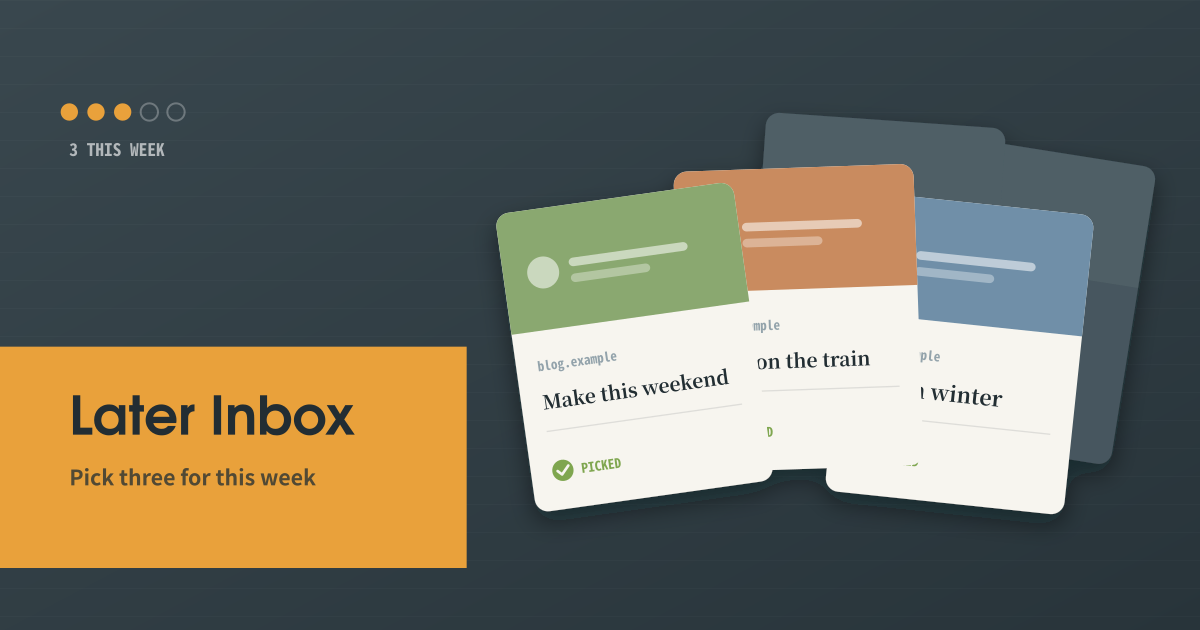
Later Inbox is for links you meant to read later that never shrink. Save a URL with a required one-line why, keep at most 3 as this-week, and let unpinned inbox items expire after 30 days. Success is a smaller list.
- URL (required), a one-line why (required — save is blocked without it), optional title.
- Paste a URL from the clipboard. A Netscape bookmarks.html import creates drafts; each needs a why before it counts as saved.
- Status: inbox / this week (max 3) / done / expired. Pin survives the 30-day expire.
The weekly pass
When you find a link, paste the URL and write why you will open it again. If the weekly banner shows, pick up to 3 as this-week and expire the rest. Marking a 4th as this-week bumps the oldest week item back to Inbox.
On load, unpinned inbox items older than 30 days become expired. Search looks at title, why, and URL. On a Sunday, pick what you will actually read this week and let month-old tabs expire.
When bookmarks became a library
People open it when bookmarks became a library. “How do you organize your bookmarks?” comes up in every productivity forum, and the answer usually ends in more folders. Here, instead of more folders, you write a why and keep three for this week.
Where your data stays
Links, why-notes, and status stay on this device only; there is no account sync or cloud backup. It is a shrinking list rather than a Pocket clone with folders and tags, so there is no article fetch, reader mode, highlighter, or AI summary either. Export/import JSON to move devices, and on a shared device clear site data when you are done.
Does it fetch articles or summarize them?
No. There is no reader mode, highlighter, or AI summary. Open sends the original URL to a new tab.
What happens to a pinned item after 30 days?
Nothing. Expiry only touches unpinned inbox items, so a pinned link stays until you mark it done or expire it yourself. Pins are meant for the few you truly cannot lose; pin everything and the list starts growing again.
Why won’t it save without a why-line?
Because the why-line is the filter. If you cannot say in one line why you will open a link again, it does not need saving. The same rule applies to a bookmarks.html import: items arrive as drafts, and only the ones you give a why to reach the inbox.