When you can’t remember where you left off
Which episode of season 2 were you on, when does the next one air, which shows did you mean to start? And years of watch history can vanish at once when a single service closes.
Showpad is a private tool for tracking the TV series you watch. It opens right in the browser with no install and no sign-up, in Korean, English, Japanese and German. There is no friends feed and no public profile.
1. Search a show and add it
- On the Search tab, type at least two letters of the show’s name. Results show the poster, the first year, the network and whether it is still running or has ended. Names are shown as TVmaze lists them.
- Tap Watching or Watchlist to add it. A show you already added is marked with its list, so it can’t be added twice.
2. Tick episodes: one, a whole season, or up to here
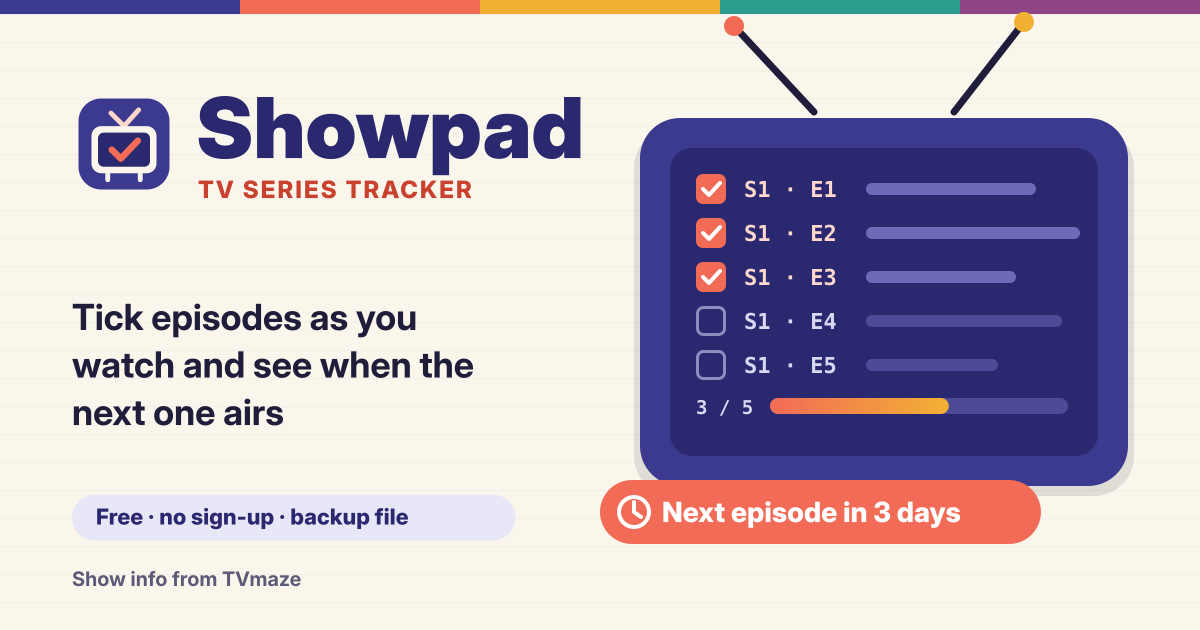
- Open a show to see its episodes by season (the season with your next episode opens first). Tap the big box at the left of a row once to mark it watched, and again to unmark it. Each row shows “S2 · E5”, the title and the air date.
- Each season has a progress bar and “5 / 10”, and Mark season watched ticks it in one go. Starting partway through a show? Use the ⋯ button next to a row (or press and hold the title) and choose Mark up to here. Earlier seasons are ticked too, and it asks once more if that is more than 20 episodes.
- Episodes that haven’t aired yet say “Not aired yet” and can’t be ticked by accident. Progress counts only regular episodes that have already aired.
3. What’s next, and when it airs in your time
- In My shows, each Watching show has an Up next card: tap Watched once and it moves on to the next episode. Shows with an episode waiting come first, most recently watched on top.
- When a new episode is scheduled you see “Next: S3 · E4 · in 3 days”, and for today or tomorrow the time too, like “today 9:00 PM”, in your device’s time zone. If there is no date yet, it says “Date not announced”.
- The Upcoming tab lists the next 30 days of episodes for shows you are watching or want to watch, grouped by day like a TV listings page. It doesn’t send notifications; it’s all in the app.
4. Watching, Watchlist, Finished, Dropped — and your history
- Every show sits on one of four lists. Move it with one tap: Start watching on a Watchlist card, the ⋯ menu on a card, or the list buttons on the show’s page. When you have watched every aired episode of a show that has ended, it offers to move it to Finished — it never does so on its own.
- The History tab shows every episode you ticked, newest first, grouped by month and day, with this month’s count and the total. Tap × in the history to unmark one.
- Each show can have a 1–5 star rating and a note (up to 2,000 characters). They are private and never shared.
5. A backup file: your history is yours
When TV Time shut down, many people lost years of watch history. Showpad lets you download your whole history as a backup file on your own device from day one.
- Tap Download backup on the “Your history is yours” card in My shows or on the More tab. Every list, every tick with its date, ratings and notes go into one file. After a number of changes it gently reminds you to download a fresh one.
- With “Include show details” on (the default) the file is a little bigger, but it restores fully on a new device even offline. There is also History as a spreadsheet (CSV) if you want it in a table.
- Restore from a file first shows what it would add, then lets you choose Add to what’s here or Replace my list (which asks once more). A file that isn’t a Showpad backup, or is damaged, is refused with “nothing was changed”, and your list stays as it was.
Show info comes from TVmaze
Show and episode info, air dates and posters come from TVmaze (https://www.tvmaze.com) under the CC BY-SA licence. Searches and show info are asked for straight from your browser to TVmaze; your list, ticks, ratings and notes are never sent anywhere. View on TVmaze on each show opens its page there.
Where is my list saved? Do I need an account?
There is no account. Your list, ticks, ratings and notes are saved only in this browser on this device, with no sync. Clearing site data deletes them, so download a backup file now and then — it’s also how you move to another device.
Does it work offline? Can I keep it like an app?
After the first visit, the shows you added — lists, episodes, ticks, history and upcoming — work without a connection. Only searching for new shows needs the internet, and it tells you when you are offline. Add to Home Screen in your browser menu keeps it like an app.
Does it do anime? Is it free? Where do I send feedback?
Showpad is made for TV series. Anything TVmaze lists can be added, but for a cover grid of anime and manga, Animepad (https://animepad.try-dabble.com) fits better. All of it is free, with no sign-up and no ads on the tool. If something is missing, tell us with the Guide & Feedback button at the bottom right.