How to keep gift ideas findable when the birthday comes
Gift ideas arrive at the wrong time. Someone mentions in March that their headphones are dying; their birthday is in October. The idea is worth keeping only if you can find it again in September, so the filing rule matters more than the capture. File by person, not by shop or by product type. When the date comes you will ask “what did I have for Dana?”, never “what did I save from that store?”.
Write down why, in a few words, next to the idea: “said hers broke on the train”. A screenshot on its own loses that context within weeks, and without it you cannot tell a real hint from an idle scroll. Record sizes, favourite colours and allergies once, on the person, so every future idea inherits them.
Then set a fixed lead time. Three to four weeks before the date is enough to order, wrap and post; two days is not. Mark what you actually bought, so the same person does not receive the same thing twice, and keep the rejected ideas too — a reason for “no” is useful the next year.
Ideas tagged to a person
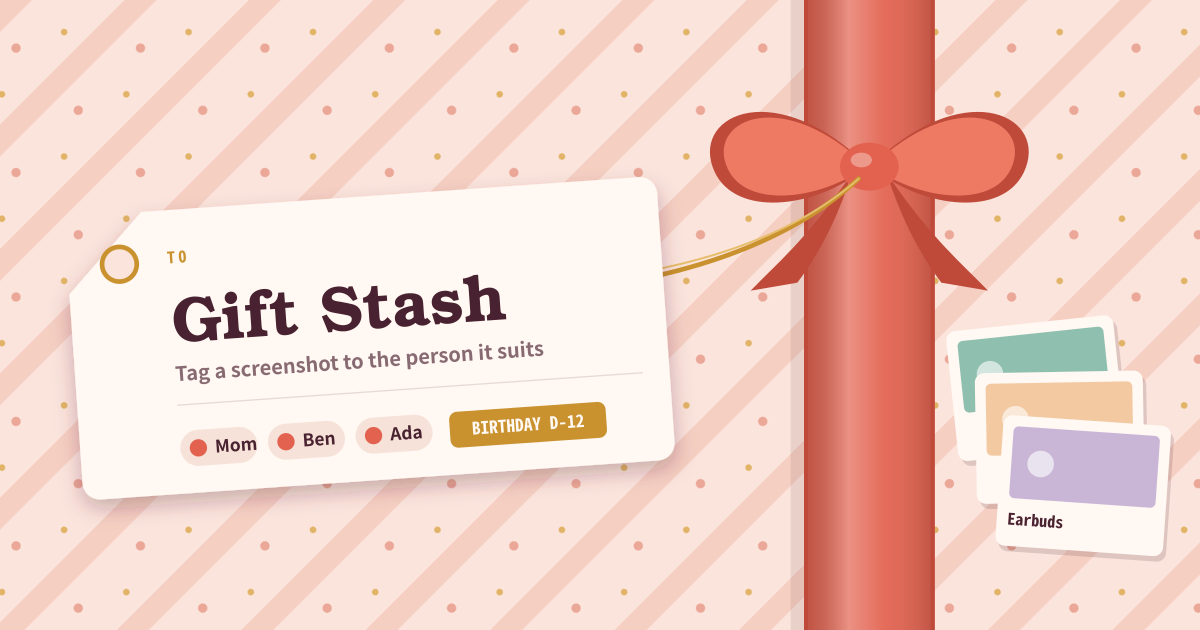
Gift Stash is for screenshots you meant to buy later that vanish in the camera roll. Paste or pick an image, tag a person, and the next 60 days of birthdays and occasions sit at the top of the list.
- Person: name, birthday (MM-DD or a full date), notes (sizes, likes), optional face photo, extra occasions (anniversary).
- Idea: image from file/camera or Ctrl+V paste, optional title, URL, price, note. Tag a person or leave it unassigned.
- Status: idea / bought / given. Search looks at people plus idea titles and notes.
From screenshot to reminder
Screenshot something you like, open Gift Stash, and paste. Pick or add a person with a birthday so they show in the upcoming strip. Double-tap a person chip (or tap it again when already selected) to edit them.
Set “remind N days before” and allow notifications. The next time you open the app, occasions inside that window can fire an on-device notification. Marking ideas as bought or given keeps you from buying the same person the same thing twice.
Before checkout, and mid-scroll
People open it before checkout to check whose birthday is soon, or the moment they see an item in a feed and want it in the stash. It is the same habit as anyone hunting for an app that keeps gift ideas in one place.
Where your data stays
There is no account and no server-side stash; people, ideas, and photos stay on this device only. Birthday reminders are not a push server either — the app checks on this device when opened. Export/import JSON to move devices, and on a shared device clear site data when you are done.
If I deny notifications, do dates still show?
Yes. Notifications are optional. If denied, upcoming birthdays and occasions still appear as a banner and in the upcoming strip. There is no background push server.
Does every idea need a person?
No. If you do not yet know who it is for, leave it unassigned and pick a person chip later when you open the idea. The upcoming strip only looks at people with a birthday, so an unassigned idea stays in the list but never appears in the strip.
Do photos come along when I export JSON?
Mostly, yes. Photos are embedded in the JSON as data URLs; any photo too large to embed is skipped and a note marks its place. Importing on the new device restores people and ideas as they were, and only the skipped photos need to be added again.